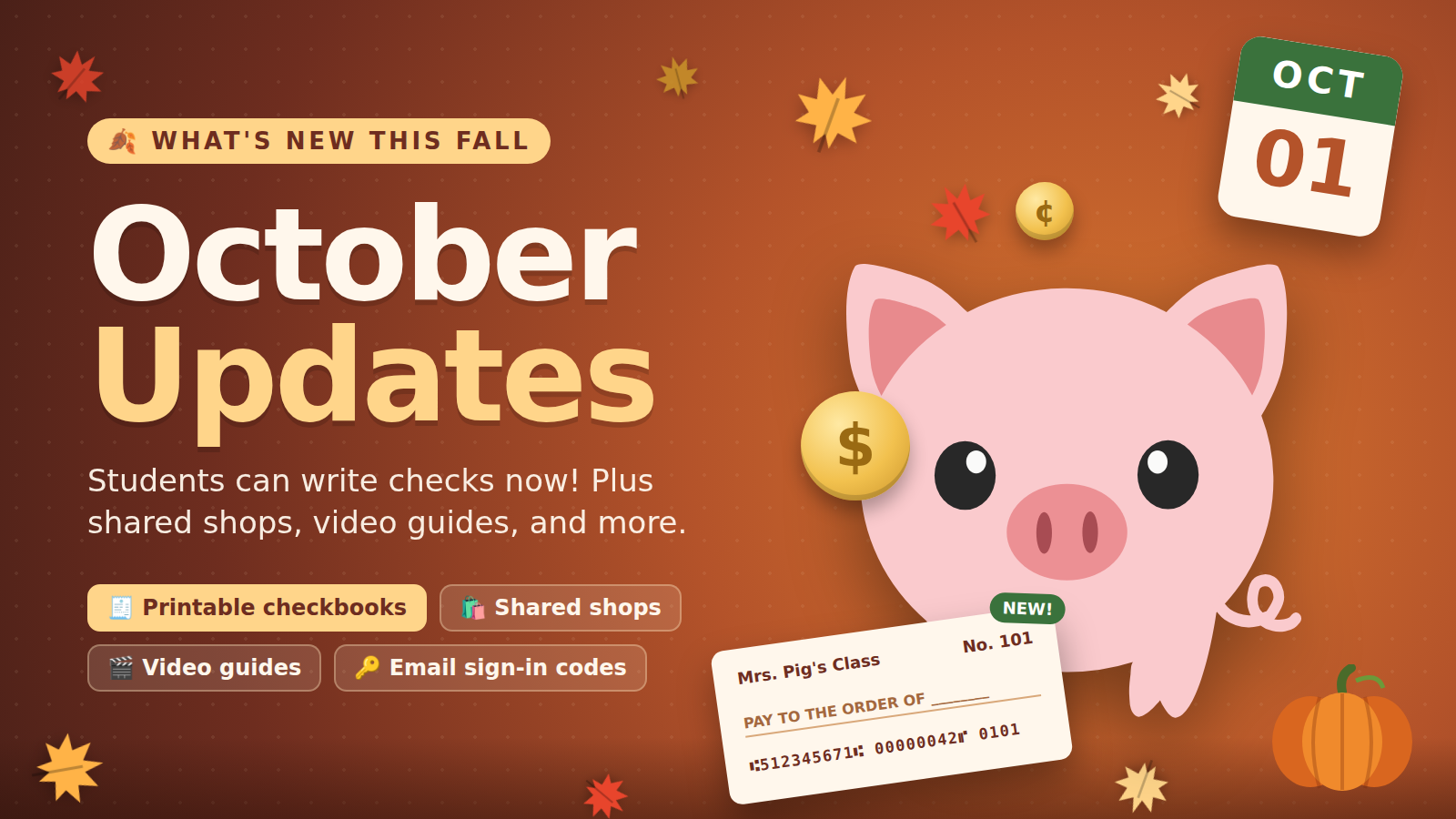
October is here, and so is the cold weather and pumpkin spice everything (at least here in New England). Your classroom economy has a few weeks of practice behind it, and some students have already learned that buying candy every day empties a savings account fast.
We’ve made a lot of changes over the last few weeks. Here’s what’s new in Fun Banking this October.
Printable checkbooks
Guide available: You can watch the video walk-through by clicking here.
This is the big one: students can now write checks.
Every checking account now shows a routing number and account number. Click Print Checks on any checking account to get a printable sheet with three checks per page. Each check has:
- The student’s name and the check number
- Your classroom’s name
- Lines for pay-to, amount, memo, and signature, with your classroom’s currency symbol
- A MICR line along the bottom, like a real check
You pick the starting check number (101 by default) and how many sheets to print. To print for the whole class, open your classroom’s Share Student Portal menu and choose Print Checkbooks. Each student gets their own pages, sorted by name. Students can also print checks for their own accounts from the student portal.
Lesson idea: For a fall festival, have students pay for booth tickets by check, then balance their checkbook register afterward. Writing out “Three and 50/100” is good practice.
Shared shops for Professional teachers
If your grade-level team is running one class store this fall (a pumpkin patch, a Halloween costume shop, and so on), you can now share it. On the Professional plan, open your shop, click Share, and enter a colleague’s email. They get access right away. Shared teachers can:
- Add, edit, and remove items
- Link the shop to their own classrooms so their students can buy from it
Only the owner can delete the shop or change who it’s shared with. If someone leaves the shop, their classrooms are unlinked automatically, so their students won’t see a store that nobody is stocking.
Video guides
There’s a new Guides section with short videos of the tasks teachers do most:
- Deposits, withdrawals, and bills
- Bulk actions for the whole class
- Recurring payments (paydays, rent, and so on)
- Setting up a shop and checking out as a student
- Certificates of deposit and credit cards
- Sharing the Student Portal with a QR code and printable ID cards
- Approving or declining requests in your inbox
The Guides page also has a pig in a graduation cap and glasses.
Sign in without Google
Some districts block Google sign-in, and sometimes it’s just down for the morning. Teachers who already have an account can now go to /sign-in and ask for a 6-digit code by email.
- Codes expire after 10 minutes and allow 5 tries.
- Only your newest code works, so an old email in your inbox won’t sign you in.
- The page responds the same way whether or not an email has an account, so nobody can use it to check who’s signed up.
If the code doesn’t arrive, check your spam folder. Your school’s email filter may also be holding it for a few minutes.
Savings interest capped at 15%
Savings interest now tops out at 15%, the same cap credit cards already had. That’s still generous, and it keeps the economy from running away.
Bug fixes
- Recurring payment dates no longer shift by a day. In some time zones, a payday or rent due date could move to the day before or after. They now stay on the date you picked.
That’s what’s new this October. As always, if something’s confusing or you have an idea for a feature, let us know. Most of these updates started as teacher suggestions.
Happy fall, and keep those savings growing.