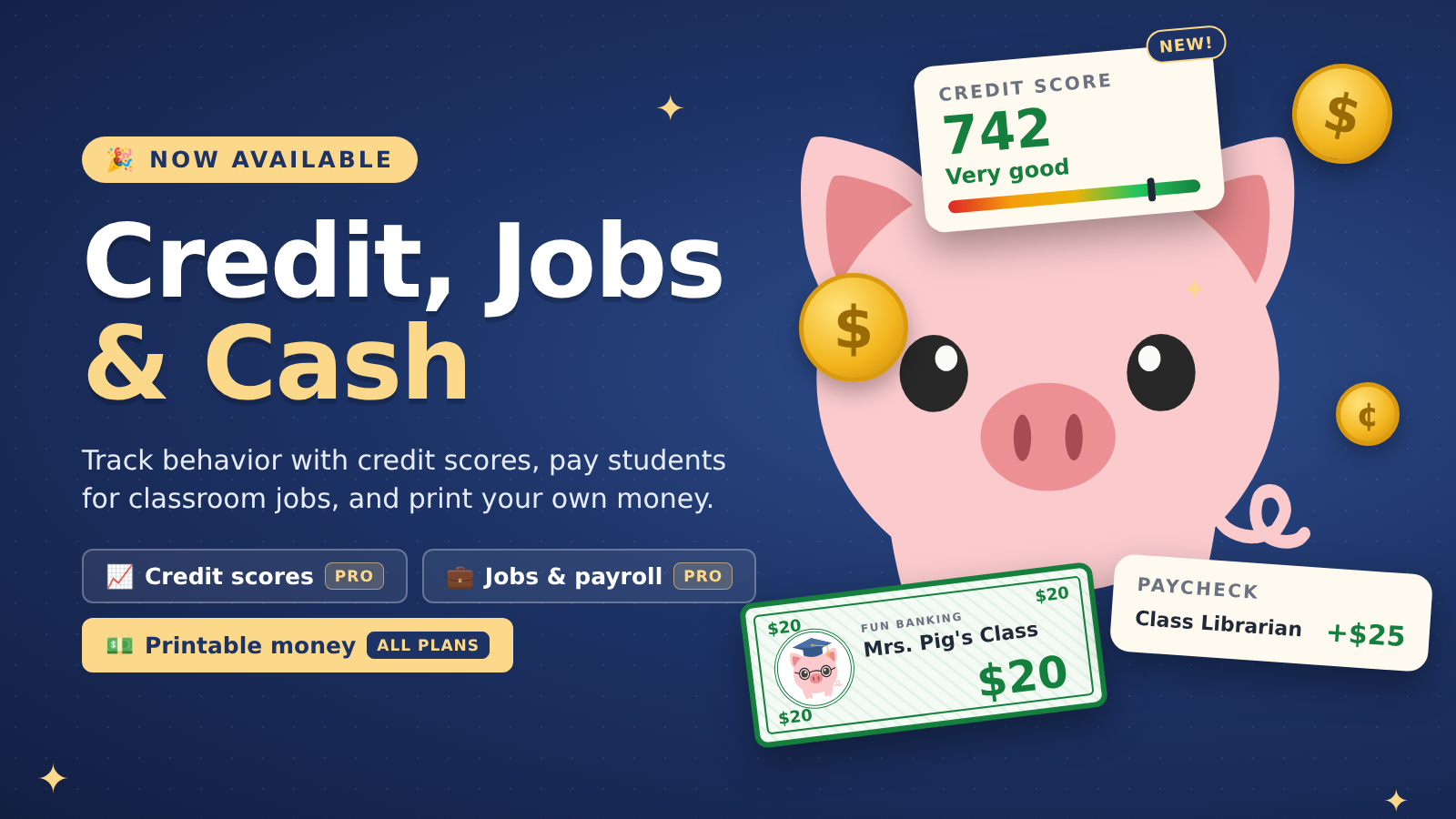
The results are in! After testing credit scores and jobs & payroll, we’re turning both on for everyone on the Professional plan. They start switched off in every classroom, so you decide when to use them: open a classroom, choose More actions → Feature Toggles, and switch them on.
We’ll also cover printable money, which is available now on every plan.
Credit Scores
Professional plan. Switch it on from Feature Toggles. Watch the Credit Scores guide for a walkthrough.
With credit scores, every student gets a score from 300 to 850 that moves with their behavior. Everyone starts at 650, and the score falls into one of five bands: Poor, Fair, Good, Very good or Excellent.
Track behavior the way your school already does. You set up your classroom’s behaviors, each with points up or down and a PBIS expectation: Respectful, Responsible, Safe or Other. Log one from a student’s Credit Score card, or for a whole group at once from Manage Selected Students. You can add a private note to any entry; students never see notes.
Money habits count too. Once credit scores are on, the score also moves by itself:
- A behavior deposit adds 5 points, and a behavior withdrawal takes away 10.
- Paying a bill within 7 days adds 10 points. A bill still unpaid after 7 days takes away 20.
- A loan payment the account can cover adds 5 points. One that overdraws the account takes away 20.
Automatic entries are marked “Auto”, and you can undo any of them. If you’d rather score behavior by hand only, switch off automatic behavior scoring in the Behaviors settings; bills and loans keep counting.
Reports show the bigger picture. The classroom report covers the last 7, 30 or 90 days, the school year, or any dates you choose. It shows your positive-to-negative ratio against a 4:1 goal, a breakdown by expectation, a trend chart, and a “May need support” list of students with several negative entries. Export it to CSV, or print it. Schools on the Organization plan also get one report across every member’s classroom.
Students see their own score, band and meter, never the history behind it.
Jobs & Payroll
Professional plan. Switch it on from Feature Toggles. Watch the Jobs & Payroll guide for a walkthrough.
With jobs & payroll, your classroom jobs pay real (classroom) paychecks. Create a job, give it a salary, and assign one or more students to it.
On payday, each student’s salary lands in their checking account as “Paycheck” plus the job’s name. A student with two jobs gets two paychecks. You can run payroll by hand whenever you like, or set a payday that runs on its own: weekly, every 2 weeks or monthly.
Students see their jobs on their own page, so they always know what they’re working toward.
Printable Classroom Money
Sometimes students need cash they can hold. Open a classroom, click the share menu, and choose Print Money to get sheets of paper bills ready to print and cut apart.
- Pick your bills. Choose any values from $1 to $1,000, and print up to 5 sheets of each.
- Four to a sheet. Each letter-size sheet holds four bills of the same value, so a stack cuts into sorted piles.
- Your classroom, your currency. Bills show your classroom’s name and use its currency. Classrooms using yen or won get larger values to match.
- A pig for every bill. Each value has its own pig, from a party hat on the $5 to a crown on the $1,000.
- Matching themes. Bills print in your classroom’s theme. On a paid plan, you can pick any theme just for the bills.
Printable money is free on every plan. Watch the Printing Classroom Money guide for a walkthrough.
Other improvements
- Spending charts you can click. Click a slice of the spending donut to see just those transactions. Click again, or anywhere else, to see them all.
- Spending on statements. Monthly statements now show where the money went that month.
- Transfers make sense. Moving money between accounts now shows up as Transfers instead of Uncategorized.
- Schools can add seats themselves. Organization plans can add teachers from Manage Your School. The first 5 seats are included, and each extra seat is $2. You’ll see the exact charge before you confirm.
- Quick polls. Every so often we’ll ask a short question on your dashboard to hear what you’d like next.
- Charts that load on school networks. We now serve our chart library ourselves, so charts no longer go blank when a school network blocks outside sites.
Try it today
Printable money is ready today on every plan. Open a classroom’s share menu and choose Print Money. The Printing Classroom Money guide walks you through it.
Credit scores and jobs are on the Professional plan. They start off in every classroom. Open a classroom, choose More actions → Feature Toggles, and switch on the ones you want. Not on Professional yet? See our plans.
Each feature has a short video guide:
As always, tell us what you think. Your ideas shape what we build next.